Your Country:


Print
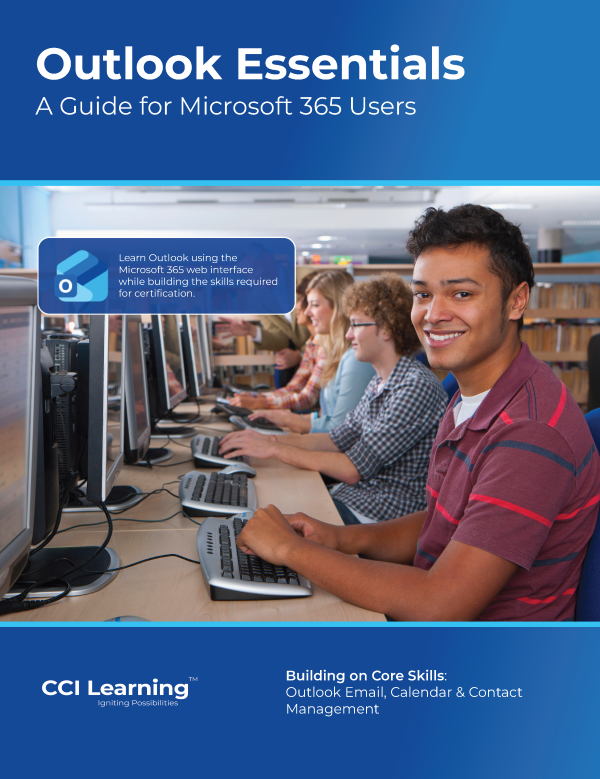
Outlook Essentials
$80.00
Prepare for the Microsoft Office Specialist: Outlook Associate (MO-400) certification with this comprehensive course designed to help learners manage communication, organize information, and collaborate effectively using Microsoft Outlook.
Through hands-on practice, you will learn how to create and manage email messages, organize contacts and groups, schedule meetings and events, and manage tasks and calendars. The course also explores tools that help streamline communication, track responsibilities, and maintain an organized workflow.
This course is ideal for learners who want to build professional email and scheduling skills, improve workplace productivity, and validate their knowledge through the Microsoft Outlook Associate certification.
Whether you are managing daily communications, coordinating meetings, or organizing contacts and tasks, this course helps you develop the essential Outlook skills used in academic, professional, and business environments.
Key Learning Outcomes:
- Navigate the Outlook Interface: Work efficiently with the Outlook navigation pane, ribbon tools, folders, and views used to manage email and information.
- Create & Manage Email Messages: Compose, format, send, and respond to messages while managing recipients, attachments, and message settings.
- Organize Mail with Folders & Categories: Sort, categorize, and manage email using folders, rules, flags, and search tools.
- Manage Contacts & Contact Groups: Create, edit, organize, and share contacts and contact groups for effective communication.
- Schedule Meetings & Events: Use the Outlook calendar to create appointments, schedule meetings, manage availability, and coordinate schedules.
- Manage Calendars & Tasks: Configure calendar settings, manage multiple calendars, and track responsibilities using Outlook tasks and reminders.
- Collaborate & Track Communication: Use follow-up flags, mentions, and tracking tools to stay organized and ensure important communication is completed.
- Manage Outlook Settings & Productivity Tools: Customize Outlook settings, configure work hours and notifications, and use productivity tools to support daily workflow.
Specifications:
Pages: 149
Courseware Number: 3289
Print ISBN: 978-1-55332-624-3
Suggested Course Length: 15-25 hours

Downloadable Resources: